
Silverson Machines
Brand Assets & Resources
Jump to:
Logos


Usage Guidelines
To maintain brand integrity, always use the approved Silverson logos. Display the logo clearly and consistently. Use proper scaling, keep it proportionate, and ensure it remains visible against all backgrounds.
Maintain sufficient clear space around the logo to ensure optimal visibility and impact.
✓ Logo Variations
Approved alternatives include single-color (white, black, etc.) or the icon version for smaller applications and simplified branding.
x Incorrect Usage
Avoid rotating, stretching, or changing the proportions of the logo. Do not alter the logo color outside of the approved palette.
Color Palette
Primary Color
Bright, vivid blue that captures attention.
| HEX | #00aeef |
| CMYK | 100 27 0 6 |
| RBG | 0 176 237 |
Primary Color
A pristine blank slate to let other elements shine.
| HEX | #ffffff |
| CMYK | 0 0 0 0 |
| RBG | 255 255 255 |
Accent Color
Subtle accent that adds a sleek, modern touch.
| HEX | #f5f5f5 |
| CMYK | 0 0 0 4 |
| RBG | 245 245 245 |
Secondary Color
A dark, rich shade for adding depth to designs.
| HEX | #1c2c32 |
| CMYK | 44 12 0 80 |
| RBG | 28 44 50 |
Secondary Color
Deep blue, offering a more subdued tone.
| HEX | #0077a1 |
| CMYK | 100 26 37 6 |
| RBG | 0 119 161 |
Complementary Color
Vibrant red-orange color, complementary of the Silverson blue.
| HEX | #ff644e |
| CMYK | 0 61 69 0 |
| RBG | 255 100 78 |
Typography
Primary Typeface
Aa
Ideal for headlines, subheadings, and key marketing messages to establish a strong, contemporary presence.
Secondary Typeface
Aa
Roboto
Best suited for body copy and supporting text, ensuring readability across both digital and print formats.
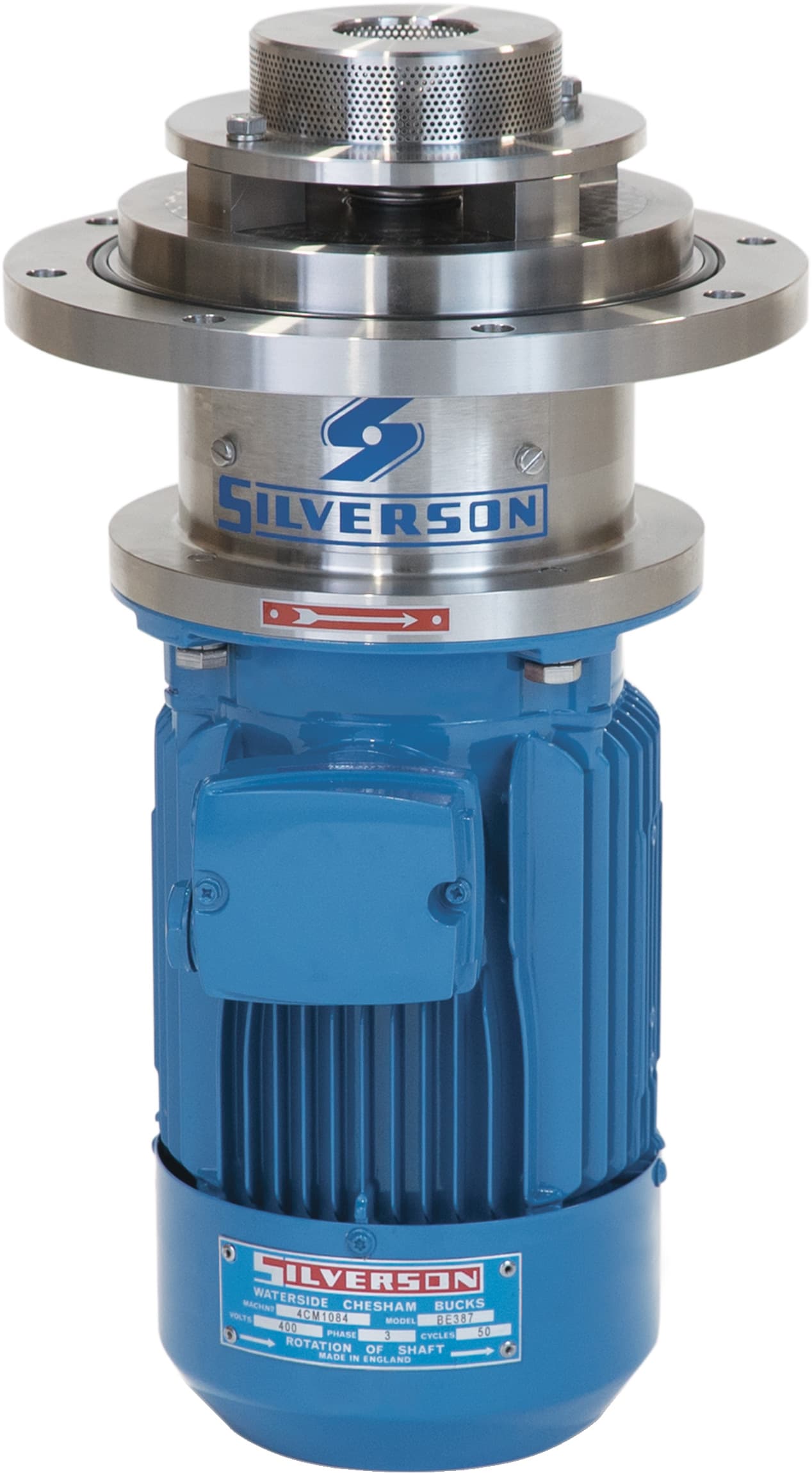
Product Photos
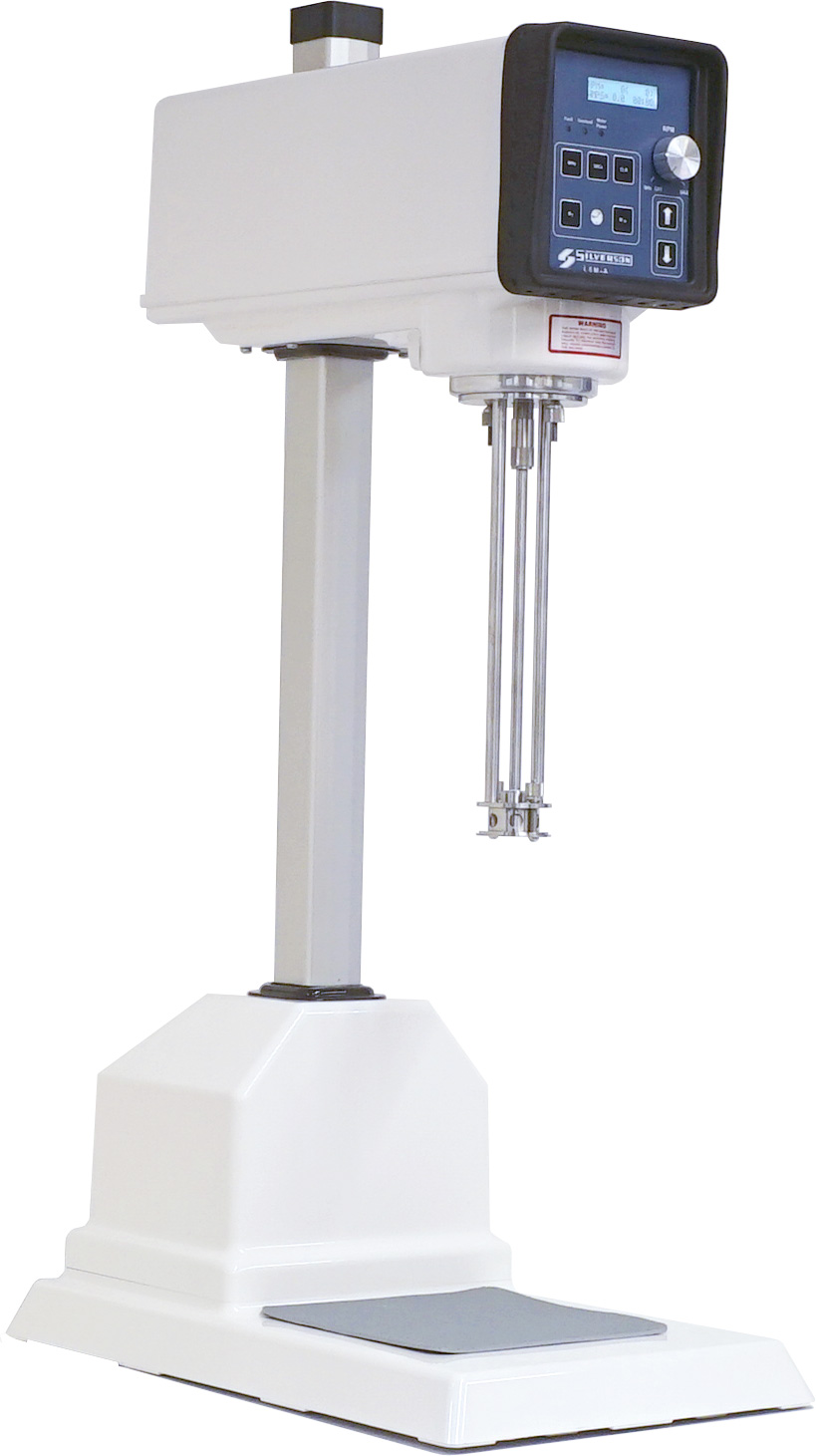
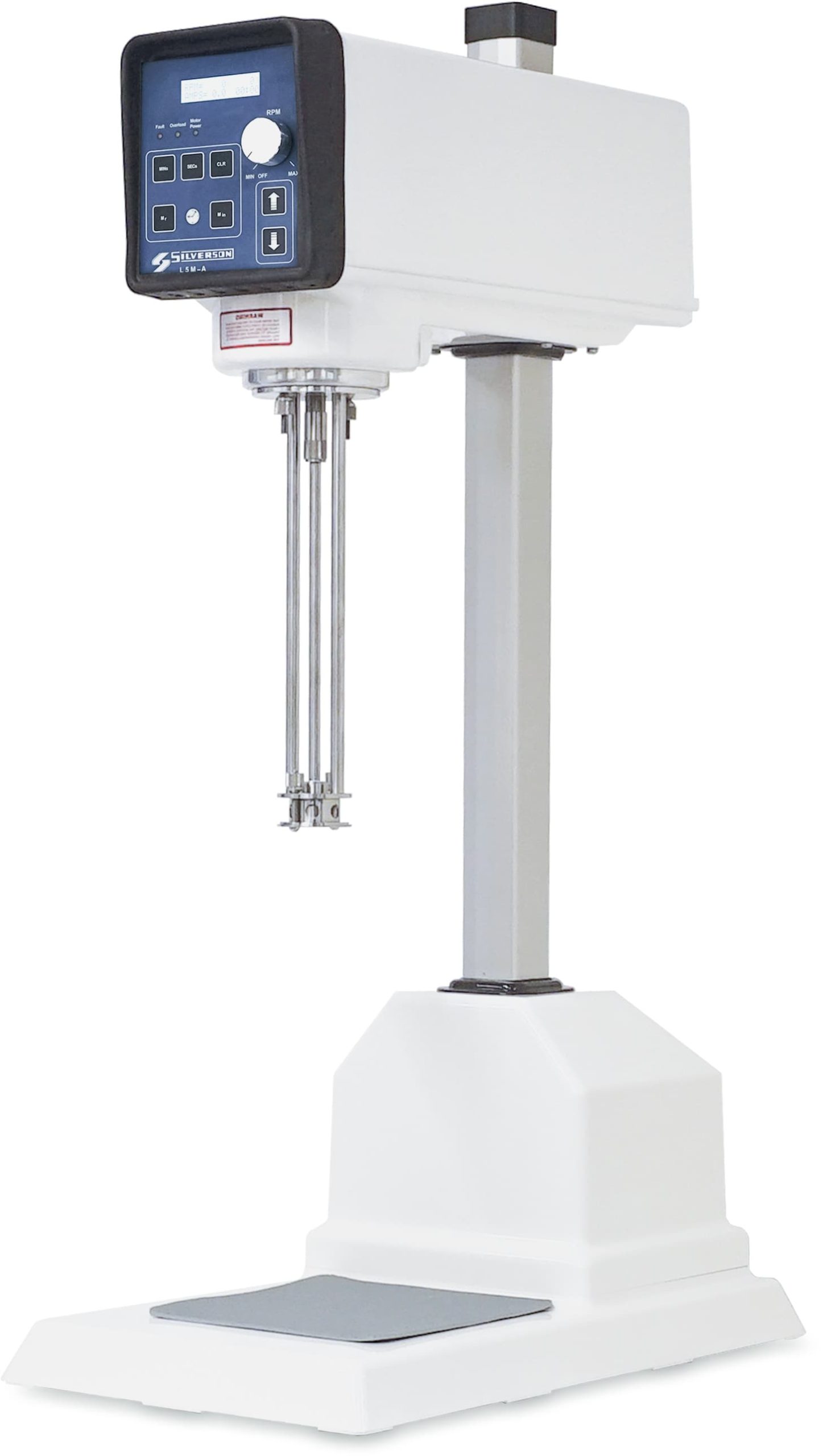
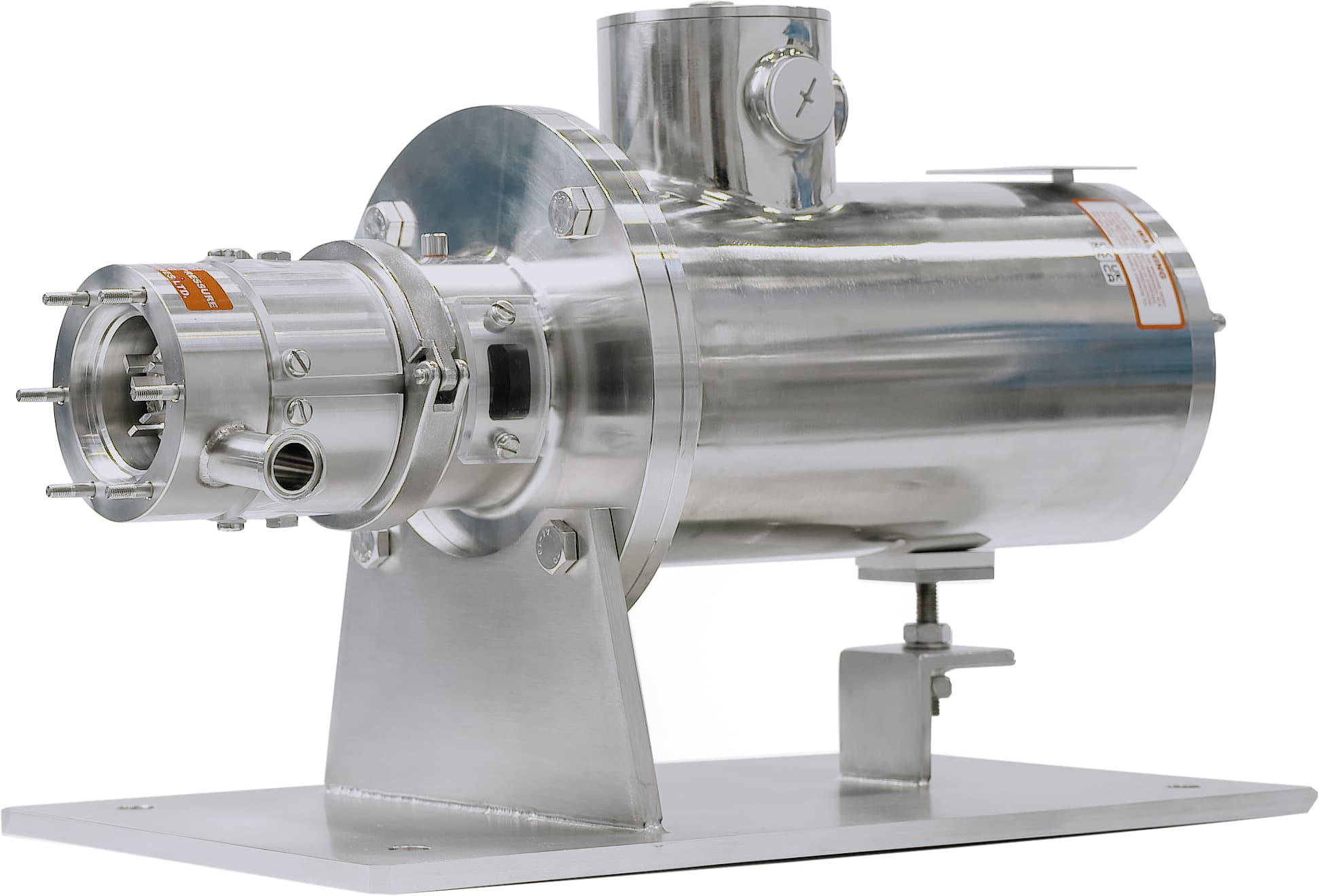
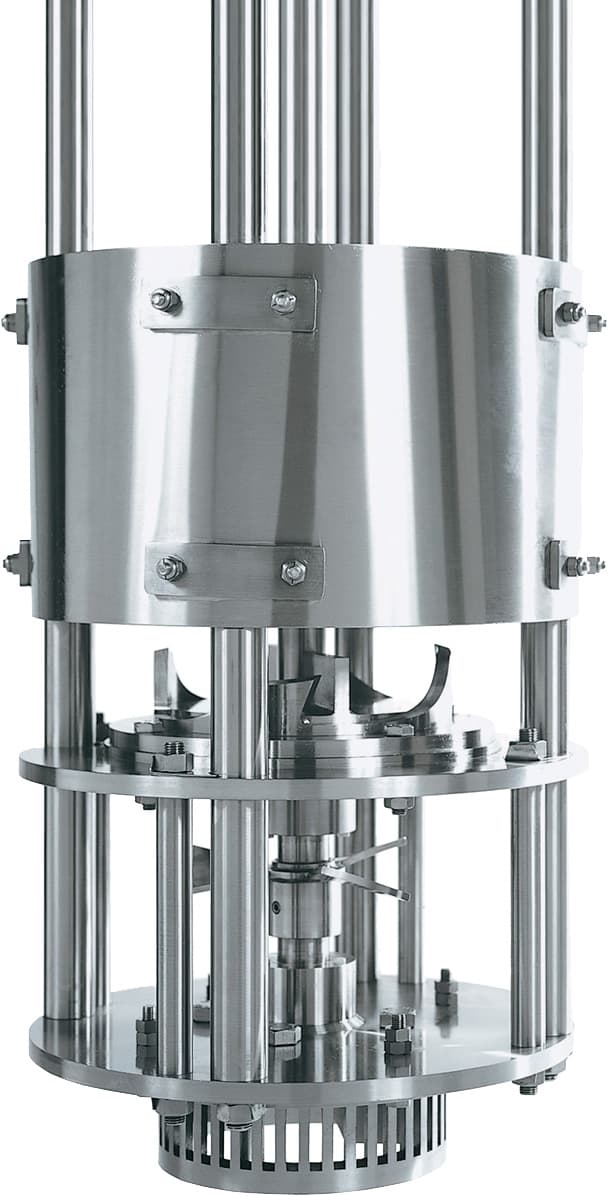
A selection of approved standard mixer images is available below.
If a transparent background is needed, PNG format is recommended.
Otherwise, JPG format is suitable when a white background is acceptable and a smaller file size is preferred.



















Video Directories


















Email Templates
UK Versions
US Versions
US Versions – Co-branded versions
Please see below for instructions on how to replace placeholders with your own logo – coming soon.
UK Versions – Co-branded versions
Please see below for instructions on how to replace placeholders with your own logo – coming soon.
How to Use Silverson Email Templates
Quick & Easy Method
Step 1: Open the Template
- Go to Silverson.tech → Email Templates
- Click on the template you want to use
- It will open in your web browser
Step 2: Copy Everything
- Press Ctrl+A (Windows) or Cmd+A (Mac) to select all
- Press Ctrl+C (Windows) or Cmd+C (Mac) to copy
Step 3: Paste into Outlook, Gmail, etc.
- Open Email Program
- Click New Email
- Click in the message body
- Press Ctrl+V (Windows) or Cmd+V (Mac) to paste
- Done! The formatting should come through automatically
Step 4: Customize
- Replace any placeholders with your info and/or customer-specific information
- Adjust any content to fit your needs
- Double-check links are working
- For Co-branded Versions: Select the ‘Your Logo Here’ images, delete the image and then drag your logo or replacement image into the same spot
Alternative Method: Save as Signature Template
If copy/paste isn’t working well in Outlook, try this approach:
For Outlook Desktop:
- Go to File → Options → Mail → Signatures
- Click New and name your template (e.g., “Silverson Lab Mixer Email”)
- Copy the template from your browser (Ctrl+A, Ctrl+C)
- Paste into the signature editor (Ctrl+V)
- Click OK to save
To Use Your Template:
- Create a new email
- Click Signature button in the ribbon
- Select your template
- The formatted email will appear – now just customize it!
Remember: These templates are here to make your life easier. Use them however works best for you, whether that’s the full HTML version or as inspiration for your own emails.
Have Questions? We’re Here to Help!
For any questions or clarifications regarding these guidelines, please contact the Marketing Department (marketing@silverson.com).